Castmagic Review (2025): The AI Tool That’s Changing How Creators Repurpose Content
Castmagic turns a recording into show notes, posts, and clips. It is for someone who already has the audio or video. It does not film the recording and it does not host the livestream. Yabku did not re-check a public price on 3 November 2026, so this page does not quote one. Yabku is independent. A purchase through a link on this page may earn us a commission.

What Castmagic does, what it costs, and who it is for.
Try CastmagicIf you’re a podcaster, coach, or content creator drowning in post-production work, Castmagic might just be your new favorite AI assistant. In this Castmagic review, I’m breaking down everything you need to know — from features to real-life use, pricing, pros, and whether it’s worth your money (and time).
For a deck tool rather than this one, see Gamma pricing and credits. The public help page lists credits and does not list a dollar price.
Let’s dive in.
✨ What is Castmagic?
Castmagic is an AI-powered content repurposing tool built especially for audio creators. You upload your audio or video, and it automatically generates transcripts, show notes, social media content, blog outlines, quotes, timestamps, summaries, and more.
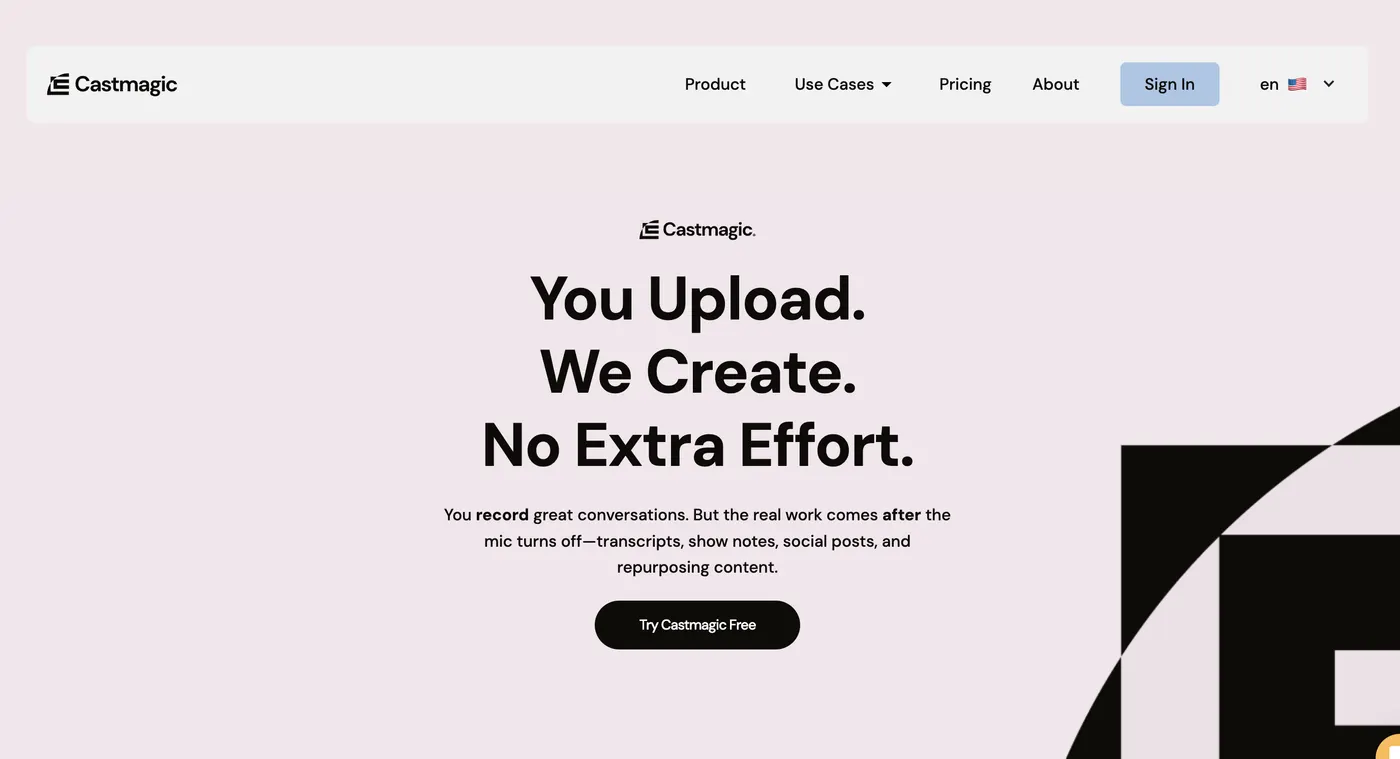
Whether you’re running a podcast, coaching sessions, YouTube channel, or just hate writing post-meeting notes, Castmagic can save hours every week.
🎯 Who is Castmagic For?
- Podcasters who want transcripts, titles, and promo content in minutes
- Coaches & consultants who need notes and summaries of client calls
- YouTubers looking to repurpose their videos into blog posts and tweets
- Content agencies managing tons of audio-based projects
- Busy professionals who want meeting recaps without manual writing
If you create anything in audio or video format, Castmagic’s automation can genuinely transform your workflow.
🔍 Key Features of Castmagic (Reviewed in Detail)
Here’s a closer look at what makes Castmagic special:
1. AI Transcript Generator
Just upload your audio or video, and Castmagic delivers an accurate, timestamped transcript. It handles multiple speakers pretty well and is more accurate than most generic transcription tools.
2. Show Notes Generator
Instead of spending hours writing show notes for your podcast, Castmagic auto-generates:
- Episode summary
- Key topics discussed
- CTAs
- Social links
No more copy-pasting and re-listening to clips!
3. Magic Chat (Ask Your Audio Anything)
Think of it as ChatGPT — but for your audio files. You can ask it:
“What were the top 3 takeaways from this podcast?”
“Give me 5 tweet-sized quotes from this conversation.”
It’s incredibly powerful for fast idea generation.
4. Content Repurposing Hub
With just one upload, Castmagic gives you:
- Social media posts (Twitter, LinkedIn, Threads, Instagram captions)
- Email newsletter drafts
- Blog post outlines
- Quotes and snippets
- Summaries & timestamps
Basically, it’s 1 audio in → 10+ content formats out.
5. Custom Templates & Personalization
You can customize tone, writing style, content format, and structure. If you’re managing multiple clients or brands, this saves a ton of editing time.
🧠 Real-Life Use Case: How I Use Castmagic
Let me get personal for a second.
As a digital marketer managing multiple clients, I often record 30-60 minute Zoom calls to brainstorm ideas or discuss marketing strategy. Before Castmagic, I had to manually rewatch these sessions, take notes, extract ideas, and turn them into client updates or proposals.
Now?
I upload the call to Castmagic. Within minutes, I get:
- A full transcript
- Actionable insights
- Summarized ideas
- Even a proposal draft I can tweak
It literally saves me 2–3 hours per session. And for podcast creators, it’s even more of a game-changer.
💰 Castmagic Pricing Plans
Let’s talk cost. Here’s a breakdown of Castmagic’s pricing as of 2024:
| Plan | Price/Month | Audio Hours | Best For |
|---|---|---|---|
| Starter | $39 | 2 hours | Solo creators, small podcasters |
| Hobby | $79 | 5 hours | Growing creators with weekly shows |
| Pro | $179 | 20 hours | Agencies, YouTubers, content teams |
| Business | Custom | Unlimited | Enterprises & media companies |
💡 Tip: They offer a free trial — no credit card needed. Test it out before committing.
👉 Click here to try Castmagic free
👍 Castmagic Pros
- Super intuitive and beginner-friendly
- High-quality AI outputs (not generic fluff)
- Saves massive time on post-production
- Perfect for repurposing into social and blog content
- Magic Chat is a powerful differentiator
- Customizable templates for different tones
- Regular updates and active community
👎 Castmagic Cons
- Not ideal for poor-quality audio files
- Limited hours in lower plans
- Occasional errors in speaker separation
- Works best in English (non-English support is improving)
🆚 Castmagic vs Alternatives
Here’s how Castmagic stacks up:
| Tool | Best Feature | Limitation |
|---|---|---|
| Castmagic | AI repurposing & Magic Chat | Higher plans can get pricey |
| Descript | Editing + transcription | Lacks repurposing power |
| Otter.ai | Meeting notes & collaboration | Not content-focused |
| Riverside.fm | Recording + video content | No real AI repurposing |
Castmagic isn’t trying to be a recording studio. It’s focused on content magic after the recording is done — and it nails that niche.
🧪 SEO Benefits: Castmagic for Content Marketers
If you’re building SEO assets, Castmagic is a goldmine.
For example:
- Record a podcast or solo episode about a niche topic
- Upload to Castmagic → Get blog outlines, meta descriptions, FAQs
- Publish SEO-optimized content faster than ever
- Add your affiliate links + capture leads
Result: More organic traffic + more passive income.
🎯 Final Verdict: Is Castmagic Worth It?
Absolutely — if you’re creating content from conversations, recordings, or any kind of audio.
✅ It saves hours
✅ It boosts productivity
✅ It multiplies your content across platforms
✅ It helps you monetize faster
Whether you’re a solo creator, coach, agency, or educator — Castmagic makes your voice work harder, smarter, and everywhere.
🔗 Ready to Try Castmagic?
🎁 Get started with Castmagic today — no credit card needed!
👉 Try Castmagic Free Now
🧾 Frequently Asked Questions (FAQs)
Does Castmagic support video files?
Yes, you can upload MP4s as well as audio files like MP3 or WAV.
Can I use Castmagic on mobile?
It’s best used on desktop, but the site is mobile-responsive.
Is Castmagic good for YouTubers?
Yes! You can extract titles, timestamps, blog outlines, and social media quotes from your videos.
Can I cancel anytime?
Absolutely. There are no lock-ins — monthly billing makes it flexible.
Use cases from the pricing page
Castmagic’s pricing page, read on 3 November 2026, is built around transcription and AI outputs from audio and video. Hobby, Starter, and Team are the three annual plans with printed hours. Business and Scale are the higher cards. A podcast or video workflow that needs a known hour cap can read the hours row. A company that needs a custom volume is in the Business and Scale description, not in the Hobby price.
Limits
Billed annually, Hobby was $19 a month ($239 a year), Starter was $48 a month ($579 a year), and Team was $139 a month ($1,669 a year) with 5 seats. An extra seat was +$19 a month or +$159 a year. The hours row read 30, 100, and 400 across Hobby, Starter, and Team. Business started at $699 a month and Scale was $999 a month. The page said you can buy more hours. It did not print the extra-hour rate in the lines used here, so none is quoted.
There was no $0 plan. Monthly prices for Hobby, Starter, and Team were shown as the annual equivalent, not as a higher month-to-month card. Do not multiply $19 by 12 and call it a discovery. The page already prints $239 a year.
Who it is not for
Castmagic is a poor fit if you need a free transcription tier with a printed minute cap. None was on the page. It is a poor fit if you only need a design seat or a presentation credit. Those are Figma and Gamma. It is a poor fit if the library may pass 30 hours and you only budgeted Hobby. There is no Castmagic alternatives page yet, so this review does not name a best replacement.
[HANDS-ON: upload one short file on a trial if a trial is offered at signup, and record whether the hour counter moves by the file length. The pricing page used here did not show a $0 plan.]
Related pages
Presentation credits are on Gamma pricing. Design seats are on the Figma review. Voice credits are on the ElevenLabs review. None of those is a transcript-hour plan.
Before you pay, pick the hour column first. Thirty hours is the Hobby column at $19 a month billed annually, $239 a year. One hundred hours is the Starter column at $48 a month, $579 a year. Four hundred hours is the Team column at $139 a month, $1,669 a year, with 5 seats. A sixth seat is +$19 a month or +$159 a year. Business from $699 and Scale at $999 are the cards for a volume the three columns do not cover. Buying more hours is offered, and the extra-hour price was not printed here.
Music licensing is the Soundstripe review. A web-data catalog is the Bright Data review.
FAQ
How much does Castmagic cost?
On 3 November 2026 Castmagic’s annual prices were Hobby at $19 a month ($239 a year), Starter at $48 a month ($579 a year), and Team at $139 a month ($1,669 a year) with 5 seats. An extra seat was +$19 a month or +$159 a year. Business started at $699 a month and Scale was $999 a month. The hours row read 30, 100, and 400 across Hobby, Starter, and Team.
Is there a free plan?
The Castmagic pricing page did not show a $0 plan on 3 November 2026.
Who is Castmagic for?
The pricing page describes transcription and AI outputs from audio and video. Hobby, Starter, and Team are the three named annual plans.
What is the best alternative?
Yabku does not have a Castmagic alternatives page yet, so this review does not name a best alternative.
Also read.
More in AI ToolsGamma pricing and credits, checked November 2026
Yabku is independent. If you buy through a link on this page, we may earn a commission. Gamma Free is $0 and starts with 400 credits that do not refresh. An India view of gamma.app/pricing, checked 3 November 2026, converts to about $4.80 for Plus, $11.30 for Pro, and $93 for Ultra each month. Those amounts are approximate, not Gamma’s official USD prices. Business showed no price.
9 min readRead post : Gamma pricing and credits, checked November 2026

HoppyCopy Review 2025: The Ultimate AI Email Marketing & Automation Platform
HoppyCopy writes email campaigns and sequences with AI. It is for someone who already has a list to send to. It is not a CRM and it is not a funnel builder. Yabku did not re-check a public price on 3 November 2026, so this page does not quote one. Yabku is independent. A purchase through a link on this page may earn us a commission.
8 min readRead post : HoppyCopy Review 2025: The Ultimate AI Email Marketing & Automation Platform

Elevenlabs Review (2025): Uses, Functions, Pricing And Is It Worth The Hype?
Yabku is independent. If you buy through a link on this page, we may earn a commission. ElevenLabs has a free plan with 10,000 credits a month and no commercial license. Starter is $6 a month and Creator is $22. Prices checked on 3 November 2026.
10 min readRead post : Elevenlabs Review (2025): Uses, Functions, Pricing And Is It Worth The Hype?